A pizza order is more than a product name. Sizes, required choices and optional extras need to stay clear from the guest's screen to the kitchen. Use a LineForge preview to test your actual menu combinations.
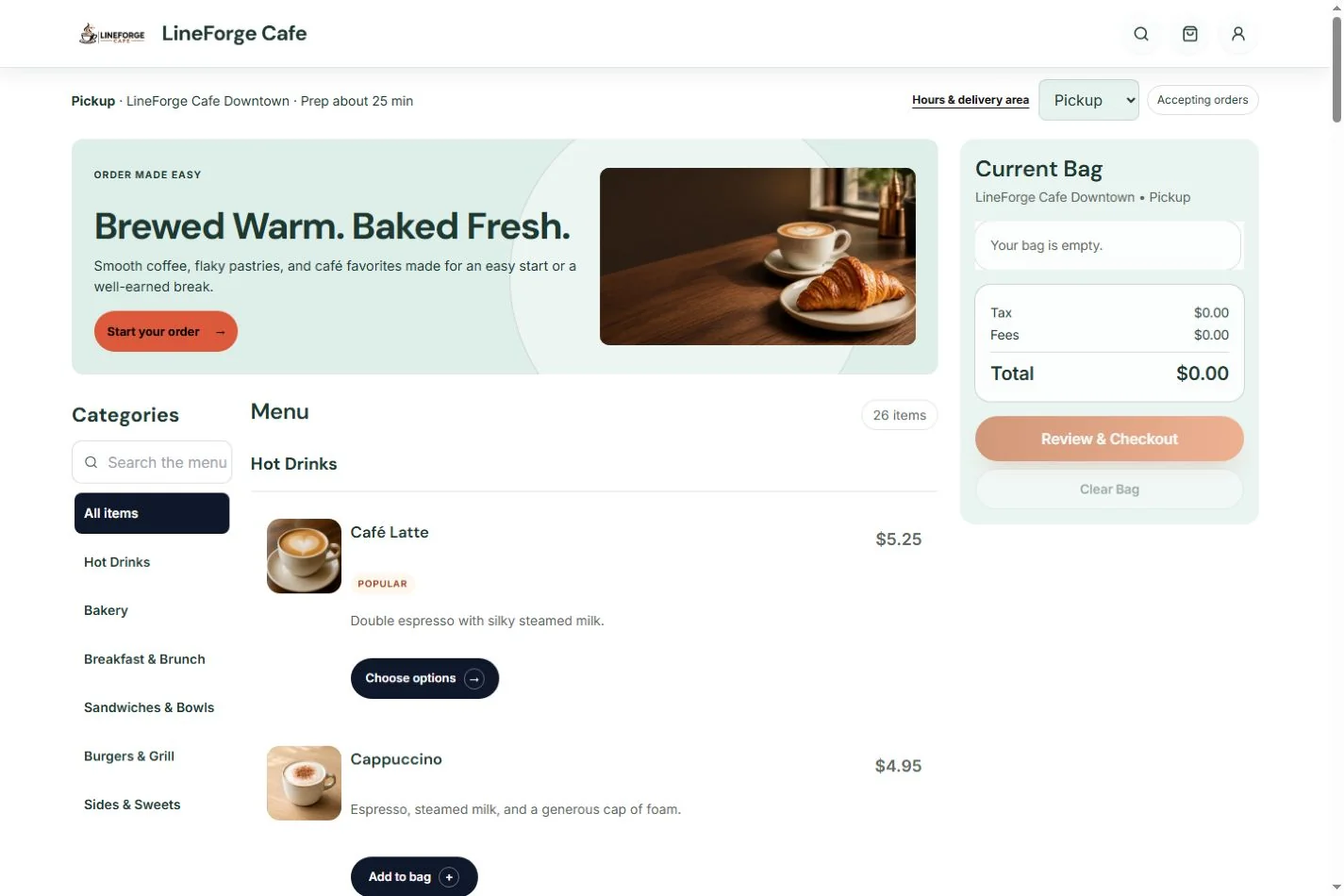
Make the important choices explicit
Organize pizza categories and items, describe what each item includes, and configure the supported modifier choices and limits. Check a simple order and a heavily customized order so pricing and kitchen instructions agree.
Review the edge cases
- A required choice left unselected.
- Paid extras and the resulting order total.
- An unavailable item or modifier.
- Menu availability across service hours.
- Pickup instructions and the delivery flow, if offered.
If your menu needs half-and-half combinations, complex meal deals or another specialized rule, bring the examples to the preview so the supported configuration can be confirmed.
Carry order detail into preparation
Accepted orders connect to the operator queue and Kitchen Standard. Kitchen Pro adds station routing and expo controls for a restaurant that needs more coordination. The team can review item choices in the order's service context.
Build the direct relationship
Use your website and controlled ordering links to help returning guests find your branded storefront. Customer accounts are part of Core; Plus adds loyalty tools. Measure the direct channel as it grows.
Compare plans, ordering costs and kitchen options.